 MyRecon OSINT
Digital Footprint Checker: Turn Public Results Into a Cleanup Plan
Quick answer: check your digital footprint
A digital footprint checker can surface public account leads for usernames you know. Combine those results with your own account records and search-engine checks, confirm each relevant source, then change or remove information where you have control. No single tool can establish that every account, page or copy of your information has been found.

Choose the part of your footprint you want to improve
A digital footprint includes different things: profiles you manage, posts you published, public mentions, source pages you do not control and information accessible only inside an account. A username search covers a narrower question than an audit of all those categories. Start with a practical goal, such as finding old profiles that expose your contact details.
List known services and current or old handles from your password manager and signup emails. Keep the list private. Do not put credentials or recovery codes into a checker or audit spreadsheet. If you manage an organisation's footprint, identify the accounts and pages within your authorised scope before collecting results.
Check the footprint in four passes
- Known accounts: inspect recognised accounts directly. Review the bio, audience settings, public links and older content you control.
- Forgotten public profiles: run a MyRecon username search for a handle you used. Open relevant official destinations and confirm your own account through the provider.
- Indexed mentions: search a known handle or a phrase you published. Google documents exact phrases and site filters. Check the current source because an indexed snippet may describe an older page.
- Copies outside your control: record the exact URL, relevant exposed detail and available source-site request process. Keep these tasks separate from changes you can make yourself.
A public checker can miss accounts behind login walls, unsupported services or profiles with renamed handles. A failure to inspect a page remains unknown. For remembered services with no public result, your own signup record or saved login may still establish that an account needs review.
Can I check my digital footprint with an email address?
An email address can help you review your own account history and known breach exposure, but these are different checks. A breach result records reported exposure in a dataset; it does not prove that a related public profile is yours, that an account is still active or that your current password is exposed. A clean result does not establish that the address has never leaked.
- Review your own records: search your inbox for welcome messages, receipts and account notifications. Check saved logins in your password manager. Do this inside your own accounts; MyRecon does not need access to your inbox.
- Review reported exposure: open the email tool and follow the email breach-check guide. Record the named incident and what the source reports, keeping uncertain results separate.
- Confirm access through the provider: navigate to the service's official website yourself. A signup message or a public handle match is a lead; a recognised account session or provider record is stronger evidence of your own account.
- Choose a specific change: review security settings, reduce public details or follow the provider's account-deletion process. Track each action separately from the original discovery.
For example, a welcome email for an old forum and a matching public handle justify checking that forum. Until you confirm the account, keep its ownership marked unconfirmed. If you later close it, record the provider's confirmation separately from any search result that still shows the old profile.
Prioritise findings by the action they enable
| Finding | Evidence needed | Next action |
|---|---|---|
| Old profile exposes personal contact details | Current page plus your confirmed account access | Edit visibility or export and close the account |
| Website points to your outdated handle | Current account link and control of the website | Correct the published link |
| Another site publishes sensitive personal information | Exact source URL and relevant detail | Use the source's removal route and eligible search request |
| A matching profile is unconfirmed | Only the repeated handle | Retain uncertainty; do not assign it to your inventory |
Prioritise exposed details and neglected accounts you can actually change. A count of matching handles is a poor progress measure: some belong to other people, and some disappear from a tool because a provider blocks requests. Completed source changes and documented provider confirmations are more useful.
Understand source removal and search removal
Google's personal-information removal guidance describes requests for eligible sensitive information and explains that removing a search result does not remove the original webpage. Contact the source separately when appropriate. A submitted request is awaiting review, not a completed removal.
If you edit or delete a page you control, revisit that source and record the outcome. Search results can take time to update. If copies exist elsewhere, each has its own process and decision. A cleanup plan should therefore allow statuses such as submitted, source changed, awaiting search update, declined and unresolved.
Keep your audit record small and private
Save the service, URL, review date, confidence basis, desired action and follow-up date. Avoid copying full profile histories or unrelated personal information. For account deletion, export what you need, review billing and linked logins, then follow the provider's instructions. Our deletion checklist covers those dependencies.
MyRecon can help locate public username leads; it does not authenticate account ownership, automatically delete accounts or guarantee removal of every copy. The footprint removal service describes help with your own or formally authorised footprint. Review its scope and current plans before choosing paid assistance.
Frequently asked questions
What does a digital footprint checker find?
It can surface public profile leads or other supported public-source results. It cannot provide a complete inventory of private accounts, every indexed page or every copy of your information.
Does a matching username prove a profile is mine?
No. Confirm your own account through recognised sessions or provider records before treating it as yours or requesting account changes.
Does removal from Google delete the original webpage?
No. Search-result removal affects Google Search. The source page can remain online and needs a separate correction or removal request.
Related privacy workflows
Use the footprint audit worksheet, old-account discovery guide and reverse username workflow to continue with a clear, verifiable next step.
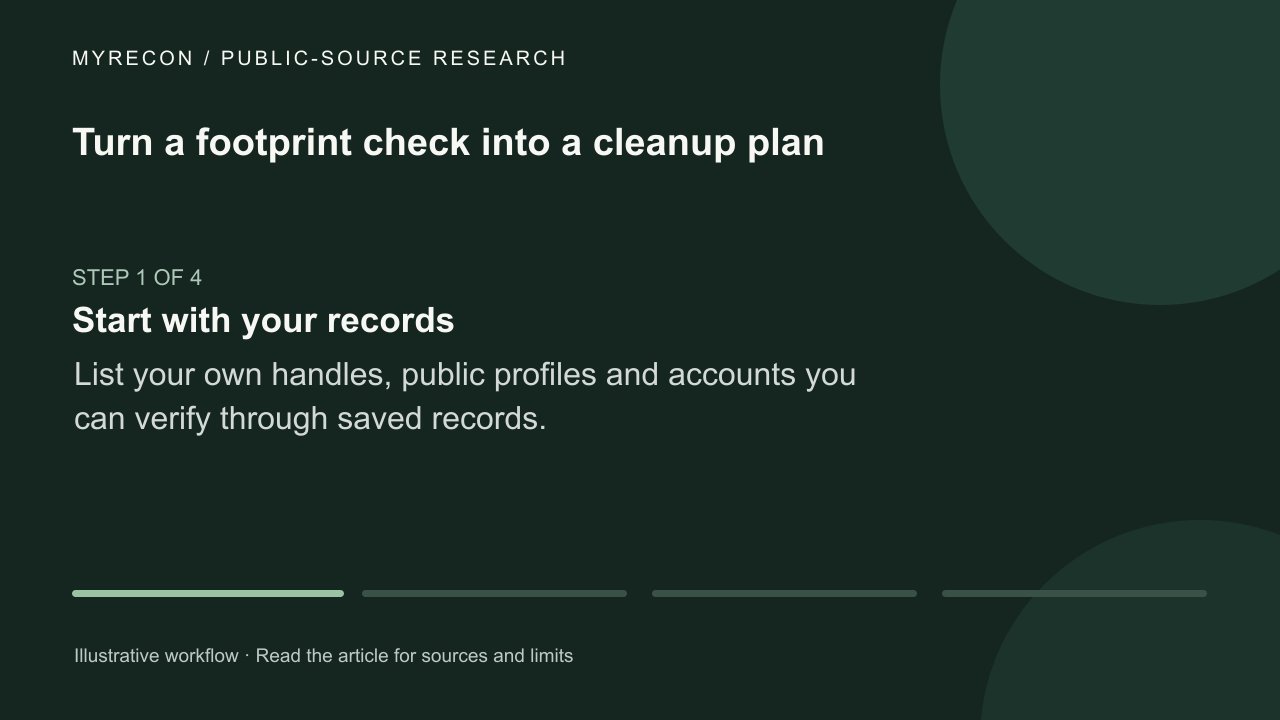
Turn a footprint check into a cleanup plan
Review your own public accounts, prioritize exposure you control and recheck the original sources after cleanup.
Use these checks for your own accounts or work you are authorised to do. MyRecon reports public-source results; a matching handle is not proof that two accounts belong to the same person. See our terms and privacy policy.